

Connect Every Healthcare Role with Multi-user Healthcare Management Software
MediNoteX AI supports multi-role healthcare teams with role-based access and multi-device accessibility, helping doctors, administrators, and staff work within a connected cloud-based healthcare environment.
One platform. Multiple roles. Multiple devices. One connected workflow.

Connect Your Healthcare Team
Modern healthcare workflows involve multiple people.
Doctors manage consultations and clinical documentation. Administrators manage operational processes. Front-desk and healthcare staff coordinate patient activities.
This multi-user clinic management software provides a shared environment where users can access relevant workflows according to their roles and supported devices.
- Support multiple healthcare user roles
- Apply role-based permissions
- Provide access across desktops and laptops
- Support tablets and smartphones
- Enable cloud-based workflow access
- Maintain synchronized information across supported devices
How the Multi-User & Multi-Device Workflow Works
Create User Access
Users are provided access to the MediNoteX environment.
Assign Roles & Permissions
Access is aligned with the user's role and responsibilities.
Access Relevant Workflows
Users see the workflows and information appropriate to their permissions.
Work Across Supported Devices
Users can access the software through supported desktop and mobile devices.
Synchronize Information
Cloud-based synchronization supports continuity across supported devices.
Collaborate Across Roles
Doctors, administrators, and staff can participate in connected healthcare workflows.
Multi-Role Access Control
Give Every User the Access They Need
Healthcare organizations have different types of users with different responsibilities.
The platform supports role-based access so doctors, administrators, and staff can work with the information and workflows relevant to their responsibilities.
- Role-based access
- User-specific permissions
- Support doctors
- Support administrators
- Support healthcare staff
- Control access according to assigned responsibilities
Multi-Device Accessibility
Access Healthcare Workflows From Supported Devices
Healthcare professionals do not always work from a single device.
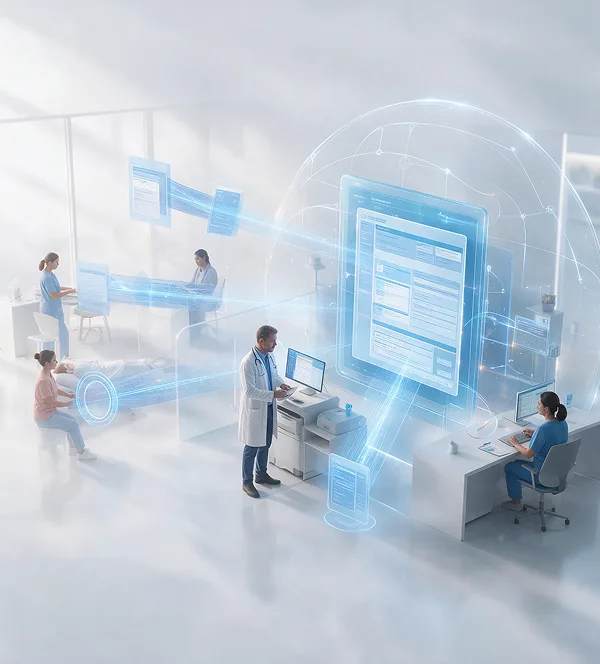
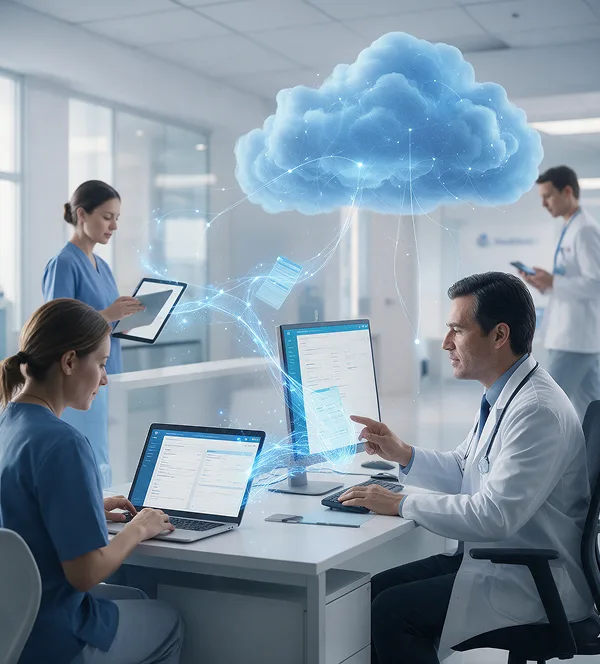
This online clinic management software provides multi-device accessibility across supported desktops, laptops, tablets, and smartphones, helping users access the platform within different working environments.
- Desktop accessibility
- Laptop accessibility
- Tablet accessibility
- Smartphone accessibility
- Cloud-based access
- Synchronization across supported devices
Built for Collaborative Healthcare Teams
Give Each Role the Right Access Without Creating Disconnected Workflows.
This clinical management software helps organizations connect doctors, administrators, and staff while maintaining role-based access.
- Role-Based – Users receive access according to their responsibilities.
- Collaborative – Different healthcare roles can participate in connected workflows.
- Multi-Device – Access the platform across supported devices.
- Cloud-Based – Support access and synchronization through a cloud-based clinic management system.
Key Benefits of a Multi-User & Multi-Device Ecosystem
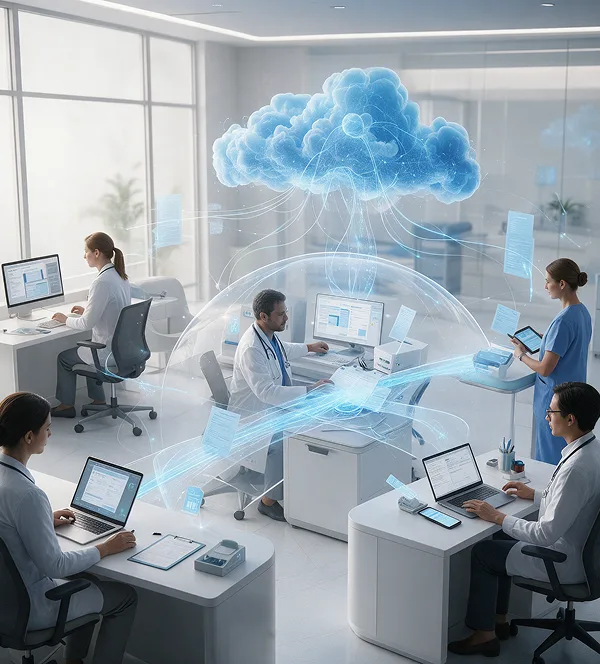
This multi-user healthcare management software helps healthcare organizations create more flexible and connected working environments.

Improve Team Collaboration
Connect doctors, administrators, and staff through shared workflows.
Improve Team Collaboration
Connect doctors, administrators, and staff through shared workflows.

Control User Access
Apply role-based permissions according to responsibilities.
Control User Access
Apply role-based permissions according to responsibilities.

Improve Accessibility
Access healthcare workflows across supported devices.
Improve Accessibility
Access healthcare workflows across supported devices.

Support Workflow Continuity
Enable users to work across supported desktop and mobile environments.
Support Workflow Continuity
Enable users to work across supported desktop and mobile environments.

Reduce Platform Fragmentation
Provide different healthcare roles with access to a shared platform.
Reduce Platform Fragmentation
Provide different healthcare roles with access to a shared platform.
Support Organizational Growth
Create a multi-user environment that can support expanding healthcare teams.
Support Organizational Growth
Create a multi-user environment that can support expanding healthcare teams.
Designed for Different Healthcare Workflows
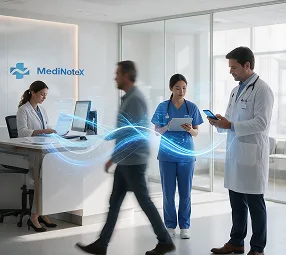
Clinics
Enable doctors and staff to work through a shared healthcare platform.
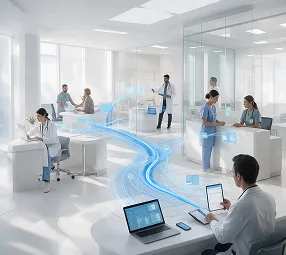
Hospitals
Support multiple healthcare roles across departments and operational workflows.

Multi-Doctor Practices
Provide access to multiple clinicians and supporting staff.

Administrative Teams
Give administrators access to relevant operational workflows.

Mobile Healthcare Environments
Support access through supported tablets and smartphones.
Why Multi-User & Multi-Device Access Matters
Healthcare work does not happen in one place or through one role.
A doctor may work from a consultation room. A front-desk employee may work from a desktop. An administrator may need access from another location or device.
A connected platform helps these users participate in the same broader healthcare workflow.
The objective is simple: give healthcare teams flexible access without losing workflow structure.
Frequently Asked Questions
It supports different healthcare roles, including doctors, administrators, and staff.
Yes. Multi-role access control allows access to be aligned with user responsibilities.
Yes. This cloud-based clinic management system supports desktop access.
Yes. Laptops are included within the supported multi-device environment.
Yes. It supports access through tablets and smartphones within the supported environment.
Yes. It provides cloud-based access and synchronization across supported devices.
Yes. The platform supports a multi-user environment for different healthcare roles.
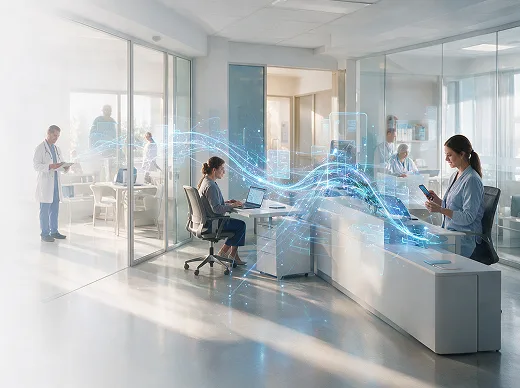
Bring your healthcare team together with MediNoteX AI.