

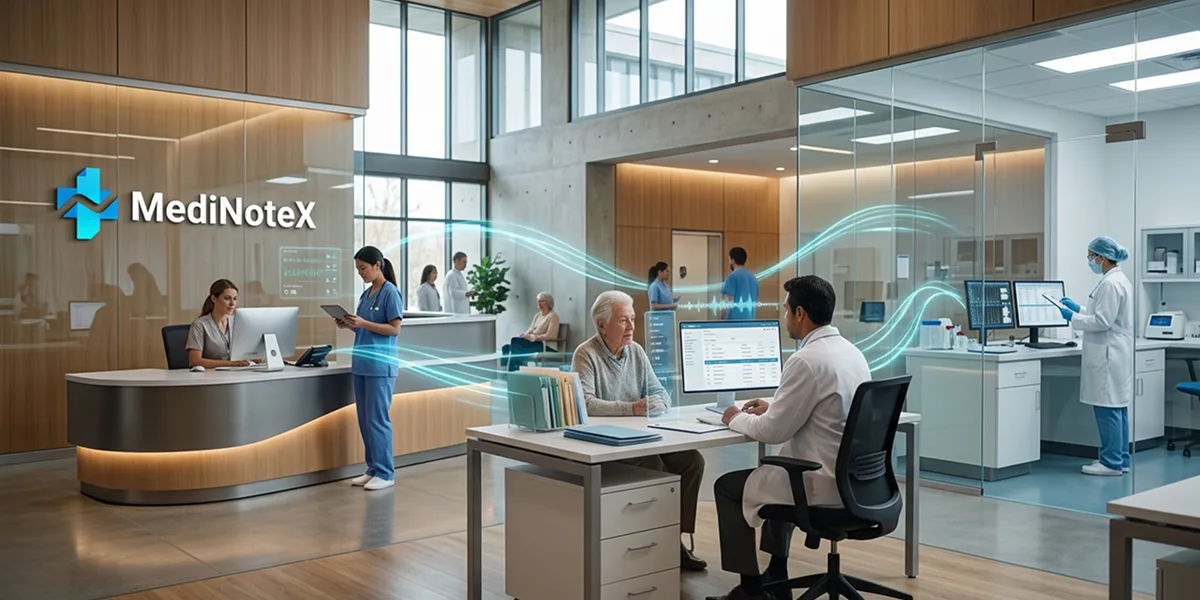
A Clinical Patient Management System (CPMS) is a software platform that manages a patient’s journey through a clinic, from the first booking to the final invoice. In many clinics, that journey is still split across a diary for appointments, a notebook for vitals, paper for prescriptions, a phone call to the lab and a spreadsheet for billing. Every handover between them is a chance for something to be dropped, repeated or delayed.
This guide explains what a clinical patient management system is, how it differs from EMR software, EHR software and a hospital information system, which roles use it, and how to tell whether it is working. It uses MediNoteX, a CPMS with a built-in AI medical scribe, to show what each part looks like in practice.
What Is a Clinical Patient Management System?
A clinical patient management system, sometimes sold as clinical patient management software, keeps a patient’s clinical record and the clinic’s daily operations in one place, so every team member works from the same, current information. It is a form of healthcare management software built around the patient record rather than around billing or scheduling alone.
Each word in the name sets a requirement:
· Clinical: it holds everything that happens in the consultation room, such as the reason for the visit, treatment history, notes, prescriptions and lab results, not only appointments and invoices.
· Patient: every record is linked to the patient, so the front office, nurse, doctor and lab technician all open the same file and see what is current.
· Management: it coordinates people and time, including who is booked, who is running late, what is ordered and what is billed.
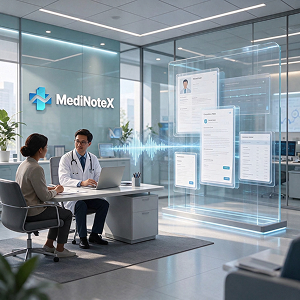
MediNoteX is built on this model. Its AI medical scribe sits alongside booking, nurse vitals, consultation, lab orders, billing and reports. When the doctor starts recording, the AI transcribes the doctor–patient conversation in real time and drafts notes and a prescription suggestion for the doctor to review. This kind of AI medical documentation can help doctors finish more of their notes during the visit instead of after clinic hours.
Clinical Patient Management System vs. EMR, EHR, HIS and Practice Management Software
Healthcare software comes in several flavors, and the names are easy to mix up. Here is how the main systems differ in what they do and where they stop.
EMR software (electronic medical record) is the digital version of the patient chart inside one practice. It holds the clinical information a clinic needs, but it usually stops short of the front desk, queues and invoicing.
EHR software (electronic health record) is also a digital patient record, but it is built to be shared across providers and organizations. That wider reach comes at a cost: it typically doesn’t cover the day-to-day running of a single clinic.
A clinic management system, also called practice management software, handles scheduling, front-office work and billing. It keeps the business side of a clinic moving, but it usually doesn’t include clinical content such as patient history, notes and test results.
HIS (hospital information system) manages hospital-wide operations across departments. It is designed for the scale of a full hospital, so it is usually more than a simple single-clinic setup needs.
CPMS (clinical patient management system) brings the clinical record together with booking, vitals, consultation, orders, billing and reports on one platform. Depending on the vendor, it may still fall short of what specialist hospital departments require.
In short, EMR and EHR focus on the patient record, clinic management software focuses on operations and billing, and HIS and CPMS aim to cover both in one platform at different scales. Choosing the right one depends on whether you run a small clinic or a large hospital, and whether you need to share records beyond your own walls.
How a Clinical Patient Management System Works: Four Layers of a Patient Record
A CPMS is easiest to judge as four layers that share one patient record. Where a layer has a deeper guide on our blog, it is linked below.
Access and User Roles
Answers the question of who can see and do what. In MediNoteX, an organization admin adds users and roles, such as front office, nurse and doctor. Each person signs in with their own credentials and can work across devices through multi-user and multi-device access.
Patient Flow and Appointment Management
Answers who is booked and who is running late. The platform handles booking by department, doctor and slot, and nurses record vitals before the consultation. When a doctor is delayed, appointment delay management notifies the patients who are waiting.
Clinical Documentation and Patient Records
Covers what the doctor needs in the room: the reason for the visit and past treatment found through illness keyword mapping. Notes and prescriptions sit in this layer too, with AI drafts from AI medical scribing. Lab orders also belong here, and lab management takes them from order to published result.
Billing, Reports and Clinic Operations
Answers whether the clinic is being paid and how it is performing. The platform records doctor and service fees, produces invoices that follow payment status, and gives clinic and organization admins reports, which help clinics reduce revenue leakage.
Because the layers share one record, a change in one shows up in the others. A delay set at the front desk reaches the patients who are waiting, and a lab result published by the technician appears for the doctor.
Six Key Performance Indicators of a Clinical Patient Management System
A CPMS earns its place when these six signals move in the right direction. Review them monthly, by doctor and by service as well as for the whole clinic.
Waiting time beyond the booked slot should get shorter. In MediNoteX, the front office sets a delay for a doctor, with an estimated time and a reason.
Patients told about a delay before they arrive should be a rising share of those affected. The front office sees how many patients a delay affects, and those patients are notified when it is saved.
Notes and prescriptions finished by the end of the consultation should become more common, with less after-hours writing. The AI medical scribe drafts notes and a prescription suggestion from the live conversation.
Appointments with a recorded reason for the visit should be nearly all of them. MediNoteX uses an illness keyword field on the booking form, shown to the doctor before and during the consultation.
Consultations, procedures and lab tests that reach an invoice should be all of them, with partial or skipped payments followed up. Fees are set when a doctor or service is added, and payment status can be updated after booking.
Time from lab order to published result should get shorter. Lab technicians add results and publish them for the doctor to review.
Record where each signal stands before rollout. Without a starting point, improvement stays a feeling rather than a result.
Which Healthcare Facilities Benefit from a Clinical Patient Management System?
A patient management system for clinics fits three common setups, and what you need from it changes with each.
Solo doctor or small clinic
Clinic patient management software replaces the diary, the notebook and the spreadsheet. Start with a doctor and one front-office user, and add roles as the team grows. This setup is common in primary care clinics.
Multi-doctor or specialty clinic
Roles matter more here: nurses record vitals, the front office manages bookings and delays, and a lab team handles orders. Specialty clinics often fit this setup.
Mid-size hospital or multi-site group
A cloud based clinic management system keeps one central record for every site. An organization admin manages the whole system, and clinic admins handle their own clinic’s setup and reports. This structure suits hospitals.
Frequently Asked Questions
What Is a Clinical Patient Management System?
It is software that gives a clinic a single platform to manage its clinical records and daily operations, including booking, consultation, orders, billing and reports, for every role.
Is MediNoteX a Clinical Patient Management System?
Yes. It brings booking, nurse vitals, consultation, lab orders, billing and reports onto one platform, with an AI medical scribe built in and access set by role.
Is a Clinical Patient Management System the Same as an EMR?
No. An EMR is the electronic patient chart. A CPMS includes that clinical record and also handles bookings, delays, lab orders, invoices and reports around it.
Can Small Clinics Use a Clinical Patient Management System?
Yes. Patient management software can start small: a few users, for example a doctor and a front-office team member, are enough, and nurses, lab staff and admins can be added later.
How does AI help with clinical patient management?
AI medical documentation helps most where paperwork is heaviest: the consultation. In MediNoteX, the doctor presses record and the AI medical scribe transcribes the conversation in real time. It then drafts the notes and a prescription suggestion, and the doctor reviews and edits them before anything is saved. Because the drafts are created inside the clinical patient management system, the finished notes sit in the same patient record that the front office, nurse and lab already use, with no retyping. Doctors can still add notes and prescriptions manually.
How Is Patient Data Protected?
Each user signs in with their own credentials, and the role they were given decides what they can access.
Manage Clinical Workflows with MediNoteX
A clinical patient management system puts the clinical record and the clinic’s daily operations on one patient file, so the front desk, nurse, doctor and lab all work from the same information. When comparing systems, check whether one record serves every role, and whether the six signals above improve after rollout.
MediNoteX is built to meet that test, with one patient record shared by the front office, nurse, doctor and lab technician. See it in a live walkthrough: book a demo or start a free trial.